


In 2026, the construction industry is increasingly relying on project management software to keep up with growing project complexities. With a wide range of tasks—such as budgeting, scheduling, resource coordination, and team collaboration—construction projects require effective tools to stay organized and on track. The best software solutions of the year help teams manage timelines, track progress, and ensure proper communication across all project phases. This article will look at the leading construction project management tools for 2026, highlighting their key features and how they can help your construction business manage projects more effectively.
1) Workyard: GPS Time Clock Designed for Construction
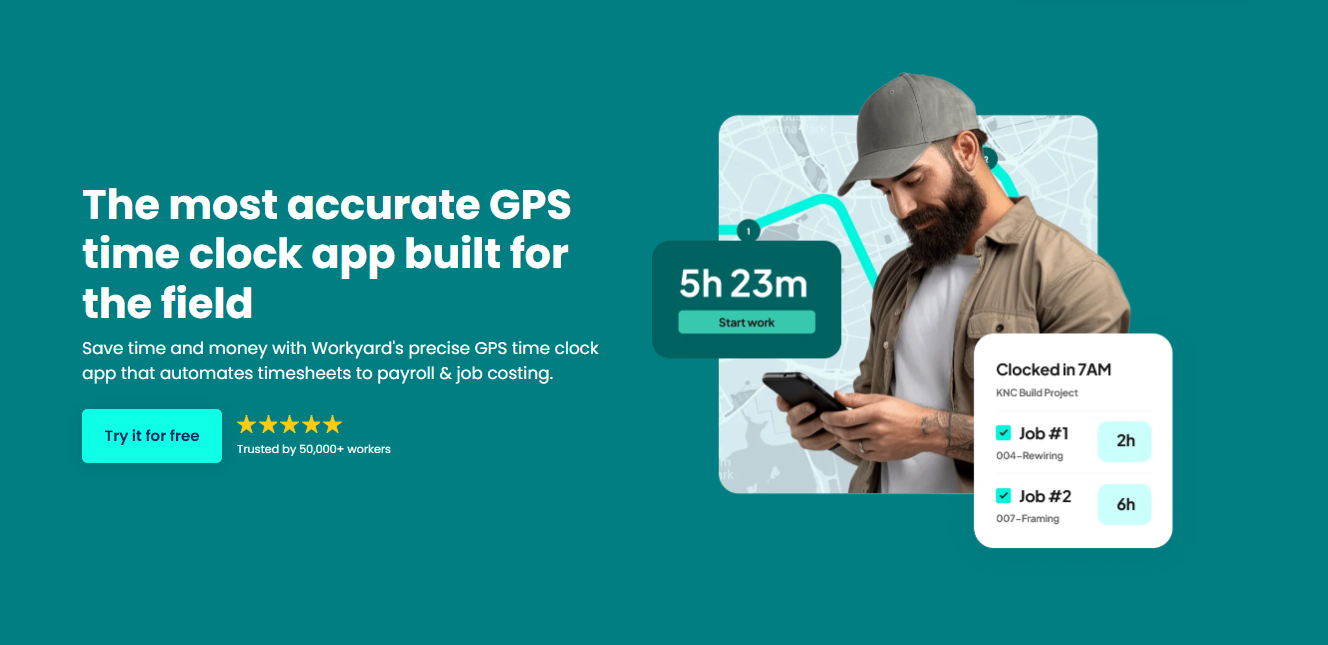
Workyard is a GPS time tracking platform tailored for construction crews. It captures precise timestamps for jobsite arrival and departure using real-time GPS. This makes it ideal for contractors who need accurate, real-world data, especially when crews move between multiple sites or work in challenging environments.
Workyard ensures accuracy even in low-signal areas and automatically syncs the recorded hours to payroll and job costing systems, minimising errors and reducing administrative work.
Key Features of Workyard:
- Precise GPS with Geofence Prompts: Background GPS updates every few seconds, combined with radius-controlled geofences that trigger clock-in/out prompts.
- Simplified Crew Scheduling: Easily assign jobs, adjust shifts, and notify crews instantly.
- Automated Workforce Compliance: Supports prevailing wage, certified payroll, and accurate break tracking.
- Job Costing Tools: Verified hours automatically flow into cost codes for real-time labor tracking.
- Payroll Sync: Integrates with QuickBooks, ADP, Gusto, and others to eliminate manual timesheet entry.
Pricing:
- Free Trial: 14 days
- Starter: $6/user/month + $50 base fee
- Pro: $13/user/month + $50 base fee
Pros and Cons of Workyard:
Pros:
- Highly accurate GPS time tracking for construction teams
- Strong geofencing behavior to reduce off-site punches
- Payroll and scheduling sync reduces admin work
- Compliance-friendly for U.S. contractors handling prevailing wage
Cons:
- Reporting tools may be complex for very small teams
- Best suited for field-based crews rather than office-only teams
Best for:
Crews working across multiple job sites and contractors needing verified hours for accurate billing.
2) Planera: AI-Powered Construction Planning & Scheduling Platform
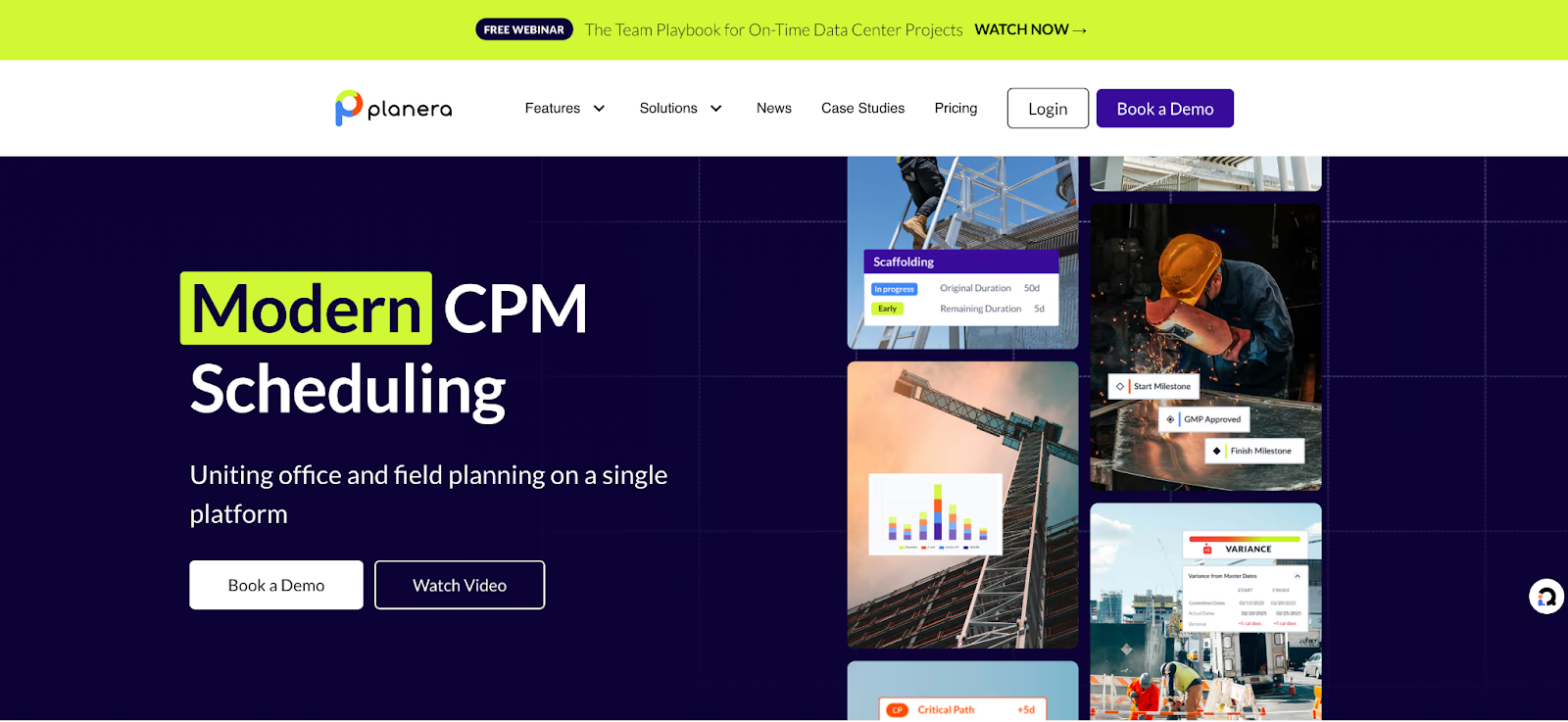
Planera is a cloud-based construction planning tool built to help general contractors and project teams create realistic, data-driven schedules. Unlike traditional CPM tools, Planera uses AI to analyze dependencies, constraints, and risks, making schedules more reliable and easier to adapt as projects evolve.
Planera focuses on collaborative planning, allowing teams to align trades, resources, and timelines early, reducing delays and costly rework. It’s especially useful for complex construction projects where coordination and predictability are critical.
Key Features of Planera:
- AI-Driven Scheduling: Automatically analyzes task dependencies and constraints to generate optimized construction schedules.
- Collaborative Planning: Enables multiple stakeholders (GCs, subs, planners) to work together in real time.
- Risk & Constraint Analysis: Identifies schedule risks early and highlights bottlenecks before they impact delivery.
- Scenario Planning: Test different “what-if” scenarios to compare timelines and make better decisions.
- Integration-Friendly: Works alongside existing construction management and scheduling tools.
Pricing:
- Custom pricing (based on project size and needs)
- Demo available on request
Pros and Cons of Planera:
Pros:
- AI-powered scheduling improves predictability
- Strong focus on collaboration and early planning
- Helps reduce delays and schedule conflicts
- Well-suited for complex, large-scale projects
Cons:
- Pricing is not publicly listed
- May be overkill for very small or simple projects
- Requires some onboarding to fully leverage AI features
Best for:
General contractors and project teams managing complex construction projects who need smarter scheduling, better coordination, and more predictable delivery timelines.
3) Timeero: GPS Time Tracking and Scheduling for Field Teams
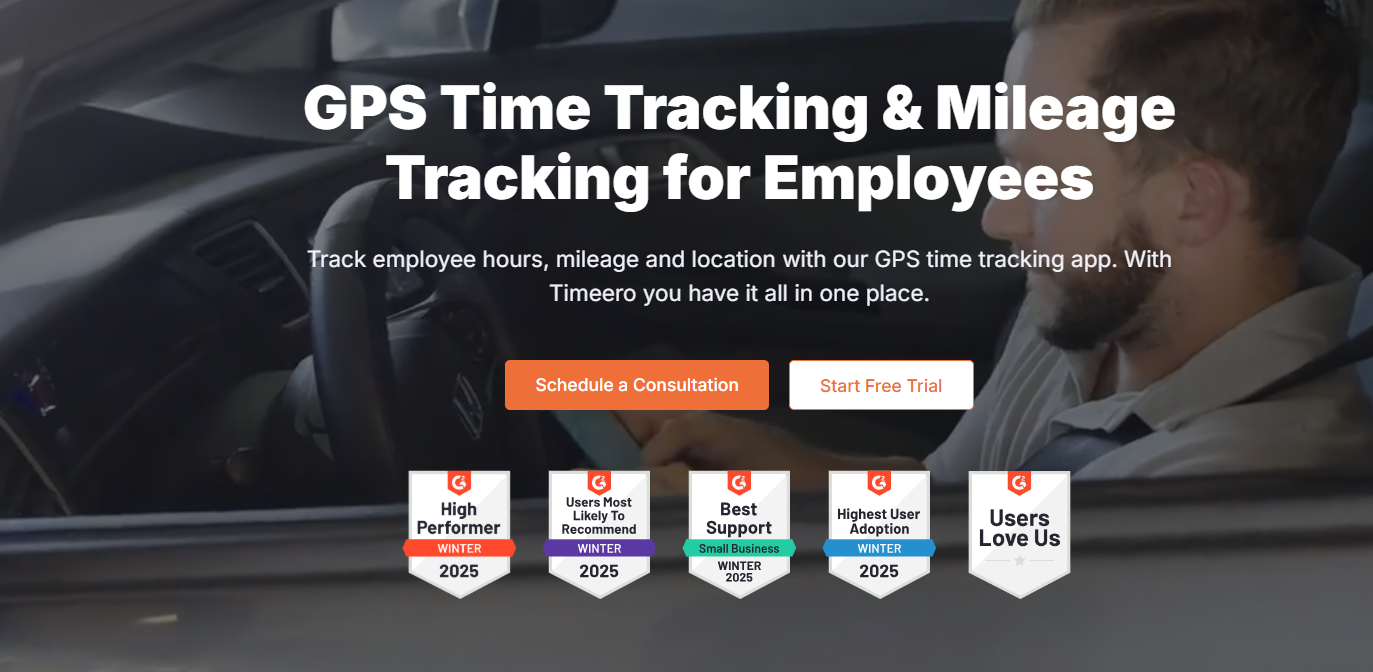
Timeero is a GPS time tracking and scheduling solution designed specifically for field teams. It provides real-time GPS tracking to log work hours accurately and ensures teams are clocking in and out at the right locations. This app works well in construction environments, offering seamless tracking even when teams are spread out across different areas.
Key Features of Timeero:
- Real-Time GPS Tracking: Tracks jobsite entry and exit automatically, ensuring precise timekeeping.
- Shift Scheduling: Easily assign and manage work shifts for field teams.
- Offline Mode: Works even when there is limited or no signal, syncing once reconnected.
- Payroll Integration: Syncs timesheets with popular payroll platforms like QuickBooks and Gusto.
Pricing:
- Free Trial: 7 days
- Basic: $6/user/month
- Pro: $10/user/month
Pros and Cons of Timeero:
Pros:
- Accurate GPS tracking with real-time updates
- Useful offline mode for low-signal areas
- Easy integration with payroll systems
Cons:
- Scheduling features are basic compared to other solutions
- Lacks some advanced project management tools
Best for:
Field teams in construction or other industries who need reliable time tracking and scheduling with minimal setup.
4) Fieldwire: Jobsite Task Management and Field Coordination

Fieldwire is a task management app designed for construction teams to manage jobsites, workflows, and teams. It lets users assign tasks, track project progress, and collaborate seamlessly, all in one place. Whether it's planning daily work or sharing project blueprints, Fieldwire keeps everyone on the same page, improving jobsite coordination.
Key Features of Fieldwire:
- Task Management: Create and assign tasks, track completion, and collaborate with team members.
- Blueprint Markups: Easily share and markup construction drawings to keep everyone informed.
- Mobile-Friendly: Access and update tasks and blueprints directly from the mobile app on-site.
- Progress Tracking: Track daily progress with reports, photos, and updates.
Pricing:
- Free: For small teams (up to 3 users)
- Pro: $29/user/month
- Business: Custom pricing for large teams
Pros and Cons of Fieldwire:
Pros:
- User-friendly and great for on-site task management
- Easy blueprint sharing with markup features
- Works well with both small and large construction teams
Cons:
- Limited project management features outside task management
- Price may be high for very small teams
Best for:
Construction teams needing an easy-to-use, mobile task management solution with real-time updates and task tracking.
1) What is Construction Project Management Software?
Construction project management software helps teams handle tasks, schedules, budgets, documents, and communication in one place. Including time tracking apps makes it easier to see who worked when and where.
2) Why include time tracking in project management?
Time tracking apps record crew hours and link them to specific jobs, which helps with billing, payroll, and keeping schedules accurate. This ensures labor data stays tied to actual work.
3) What features should construction project management tools include?
Look for task lists, scheduling views, budget tracking, document storage, collaboration tools, mobile access, and time tracking for field crews.
4) Can time tracking apps work with other software?
Yes. Many time tracking apps can sync with accounting tools, payroll platforms, and project management systems to keep all data aligned.
5) Is this software useful for small teams?
Yes. Small teams benefit from having clear schedules, tracked hours, and centralized information without relying on paper or separate tools.
6) What challenges might teams face when adopting these tools?
Common issues include training users, setting up accurate job codes, syncing with existing systems, and handling low or no signal in remote jobsite areas.
7) How does project management software improve accountability?
It shows who completed tasks, tracks time for each job, and keeps records in one place, making it easier to monitor progress and team performance.
8) Are construction project management tools secure?
Most use secure storage and encryption to protect data. Look for options with authentication and access controls to safeguard sensitive project information.
9) How do subscriptions work?
These tools are usually subscription-based with monthly or yearly plans that vary by features and number of users, which helps teams scale as needed.
Key Takeaway:
Construction project management software paired with time tracking apps keeps teams organized, makes schedules accurate, and links labor hours directly to jobs, helping projects run more smoothly from start to finish.
Conclusion:
Selecting the right project management software is a game-changer for the construction industry. The top tools in 2026 provide everything from simple scheduling features to complex project tracking capabilities. By using these solutions, construction businesses can work smarter, keep projects within budget, and improve overall team collaboration. Whether you are managing a small-scale project or a large, multi-phase construction job, using the right software can significantly improve your team's performance and project outcomes.